
Mastering Image Sizes: Your Essential Guide for Every Platform
Mastering Image Sizes: Your Essential Guide for Every Platform
In today’s digital world, images are everywhere – from your profile picture to the hero banner on a website, the thumbnail in a video, or an ad on social media. But simply having a great image isn’t enough; its size and aspect ratio are crucial for looking professional and engaging across different platforms. Using the wrong dimensions can lead to pixelation, cropping, slow loading times, or just an awkward appearance.
At freewebp.com, we empower you to optimize your images for the web, including converting them to the efficient WebP format. To truly ace your online presence, you need to understand the ideal dimensions.
This guide will walk you through the most common and recommended image sizes for various platforms.
1. Social Media Platforms
Social media is highly visual, and each platform has specific recommendations to make your content shine.
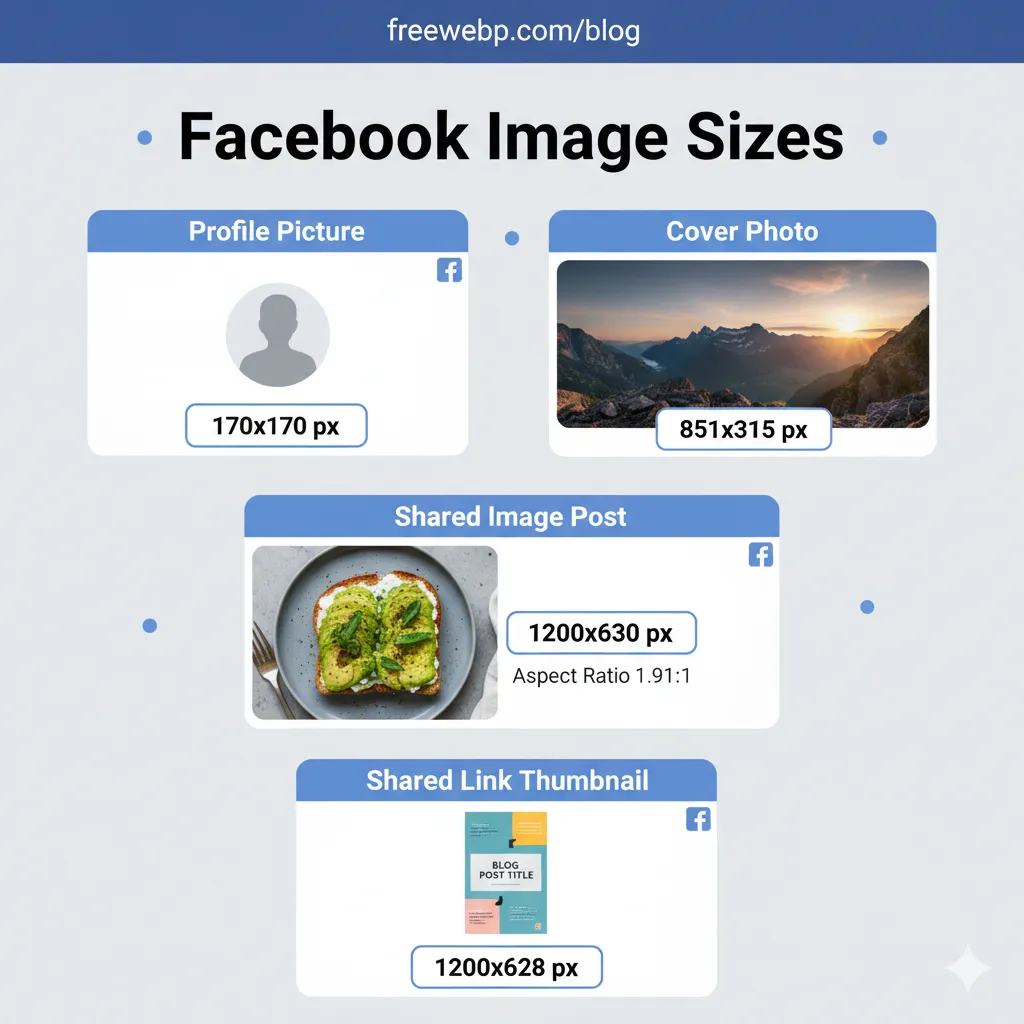
Facebook images are often cropped or scaled differently depending on where they appear (feed, profile, event banner).
- Profile Picture: 170x170 px (displays at 170x170 on desktop, 128x128 on smartphones).
- Cover Photo: 851x315 px (minimum 400x150 px).
- Shared Image Post: 1200x630 px (aspect ratio 1.91:1).
- Shared Link Thumbnail: 1200x628 px.
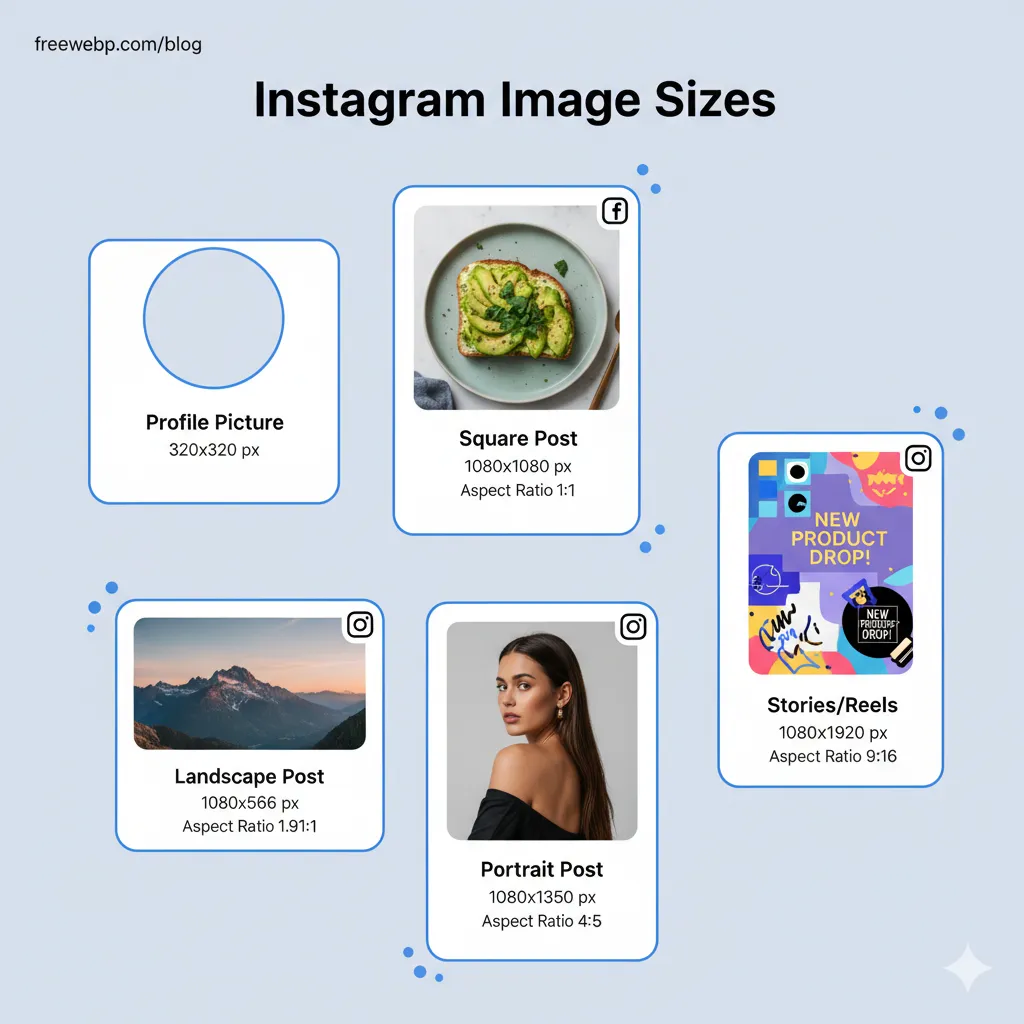
Instagram is all about visuals, and while it supports various aspect ratios, certain sizes perform best.
- Profile Picture: 320x320 px.
- Square Post: 1080x1080 px (aspect ratio 1:1).
- Landscape Post: 1080x566 px (aspect ratio 1.91:1).
- Portrait Post: 1080x1350 px (aspect ratio 4:5).
- Stories/Reels: 1080x1920 px (aspect ratio 9:16).
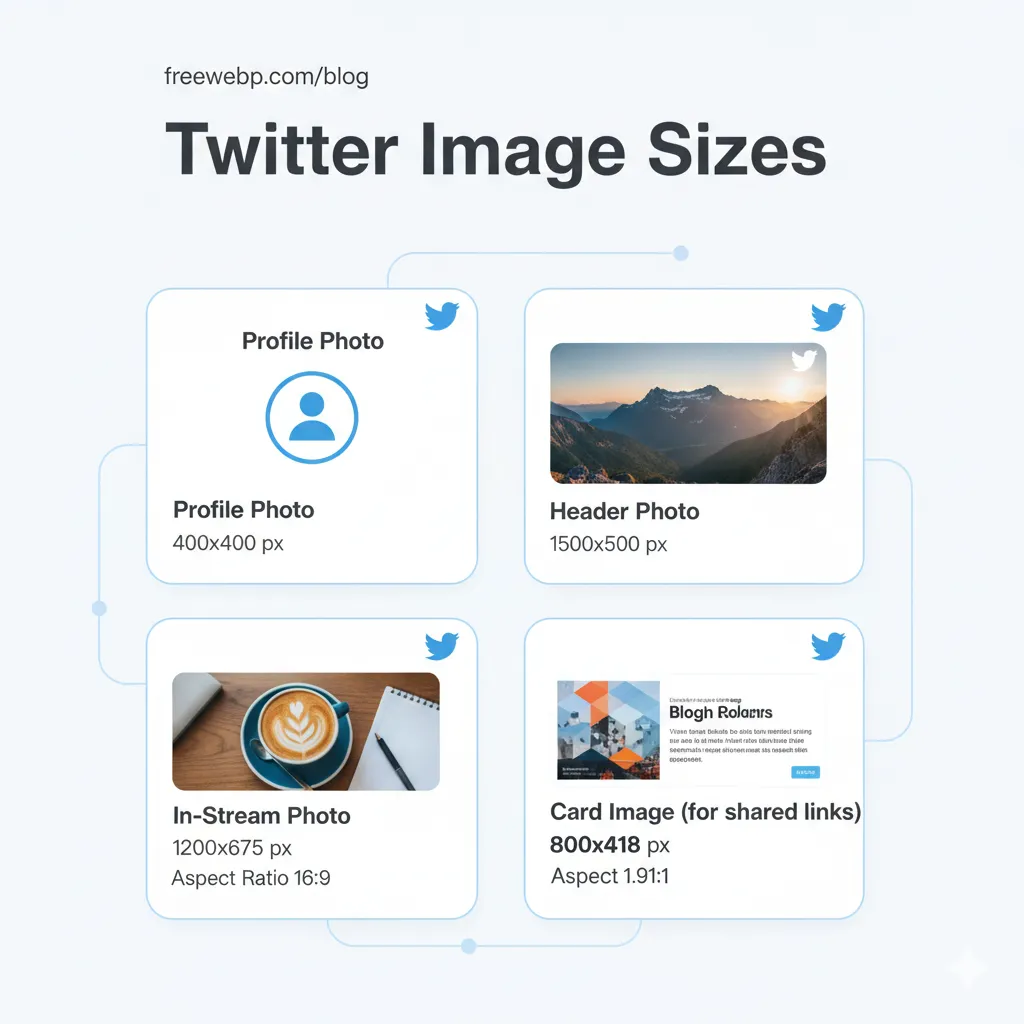
Twitter displays images prominently in the feed, making good sizing essential.
- Profile Photo: 400x400 px.
- Header Photo: 1500x500 px.
- In-Stream Photo: 1200x675 px (aspect ratio 16:9).
- Card Image (for shared links): 800x418 px (aspect ratio 1.91:1).
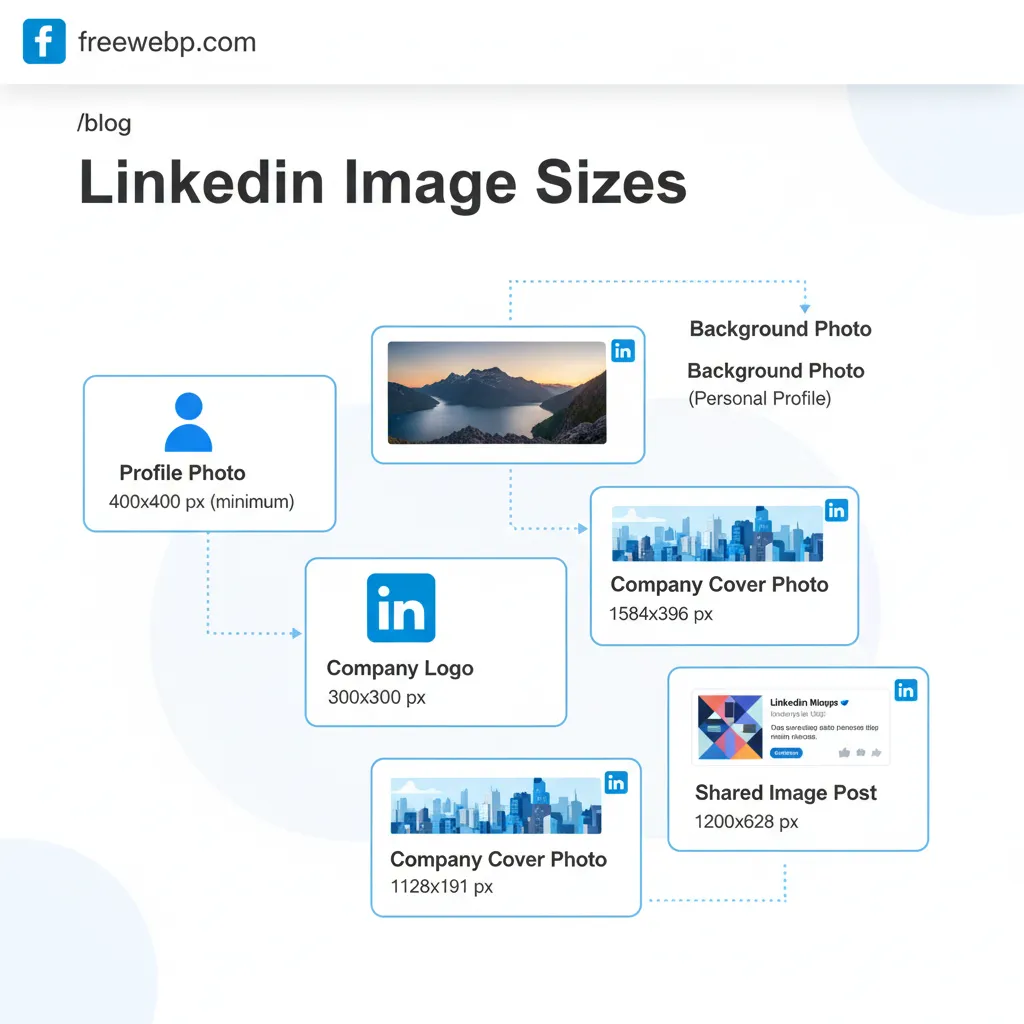
LinkedIn maintains a professional image, so well-sized visuals are key for personal branding and company pages.
- Profile Photo: 400x400 px (minimum).
- Background Photo (Personal Profile): 1584x396 px.
- Company Logo: 300x300 px.
- Company Cover Photo: 1128x191 px.
- Shared Image Post: 1200x628 px.
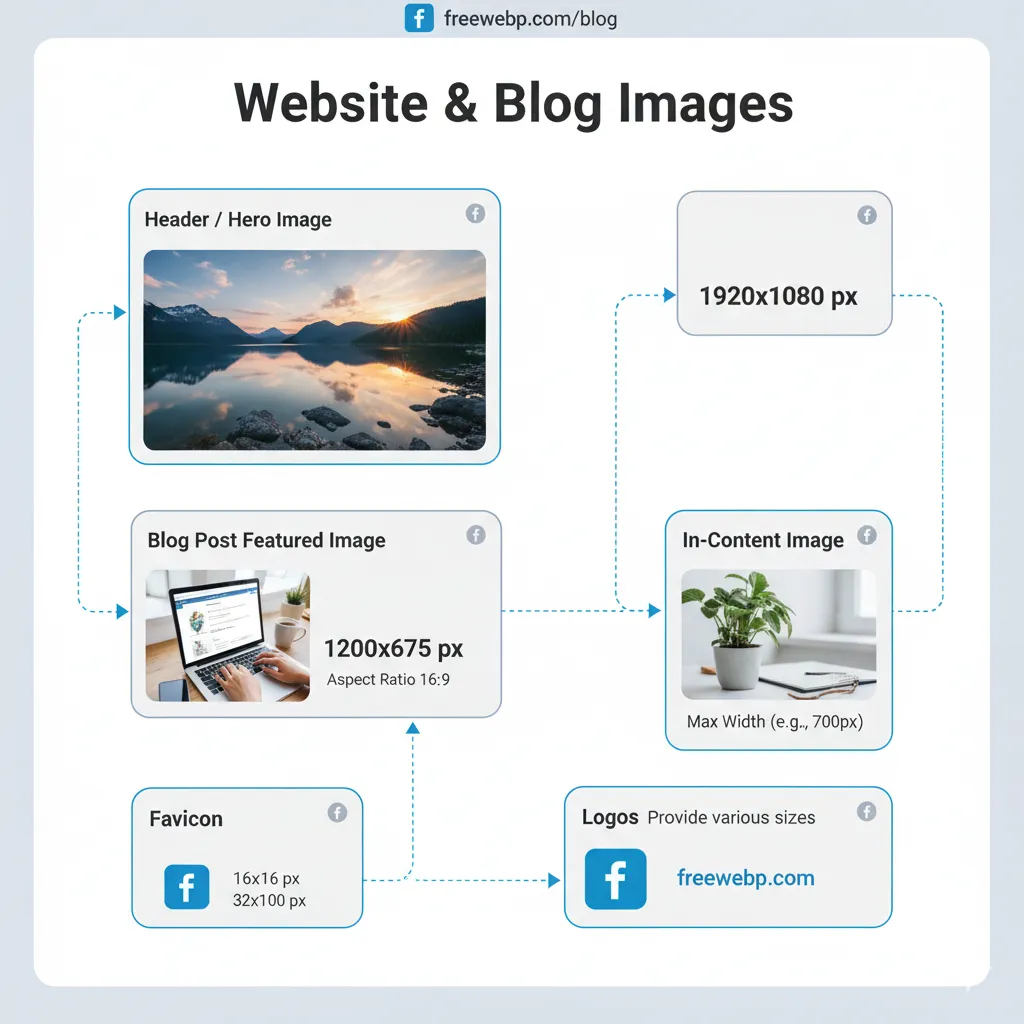
2. Website & Blog Images
For your own website or blog, optimizing images for both aesthetics and performance is vital.
- Header/Hero Images: Full-width images often stretch across the screen. A common recommendation is 1920x1080 px or 1280x720 px. The key is a high-resolution image that scales well.
- Blog Post Featured Image: Often 1200x675 px (16:9 aspect ratio) or 1200x900 px (4:3 aspect ratio). This image appears as the main visual for your article.
- In-Content Images: Max width of your content area (e.g., 700-900 px wide), with variable height. Ensure they are high resolution but compressed for web.
- Favicon: 16x16 px, 32x32 px, or 48x48 px.
- Logos: Provide various sizes for different uses (e.g., 200x200 for social, 400x100 for website header).
3. Email Marketing
Email marketing relies on visuals to grab attention, but keep file sizes low for quick loading.
- Email Header Banner: 600-800 px wide, with variable height (e.g., 200-400 px tall).
- In-Email Images: Keep images within the email’s content width (e.g., 600 px wide) for optimal viewing on most clients.

Key Takeaways for Image Optimization
- Always Check Platform Guidelines: The sizes listed here are common recommendations. Platforms frequently update their guidelines, so always double-check the latest requirements.
- Prioritize Aspect Ratio: While exact pixel dimensions can vary, maintaining the correct aspect ratio (e.g., 16:9, 1:1, 4:5) is crucial to avoid unwanted cropping.
- Start with High-Resolution: It’s easier to scale down a large, high-quality image than to scale up a small, low-quality one.
- Compress Your Images: Large file sizes slow down websites and social feeds. Use tools like freewebp.com to compress your images (especially to WebP) without sacrificing quality, ensuring faster loading times and better SEO.
- Test, Test, Test: Always preview your images on different devices (desktop, mobile) and platforms to ensure they look good everywhere.
How freewebp.com Helps You
At freewebp.com, we understand the importance of perfectly sized and optimized images. Our tools allow you to:
- Convert images to WebP: Significantly reduce file sizes for faster loading.
- Resize and crop: Easily adjust your images to fit any platform’s specifications.
- Add text and effects: Enhance your visuals directly in your browser.
Don’t let incorrect image sizing hold back your digital content. Use this guide and freewebp.com to ensure your visuals always make a perfect impression!
Ready to convert your images?
Free, private, and instant. No upload required.